Route 66

1. Unpack the file you have downloaded from POIplaza.

2. Select the files (.bmp and .csv extensions) and copy them to the relevant country or region folder in the \Route 66\pois folder.

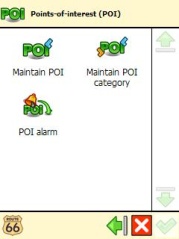
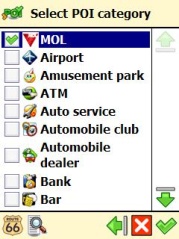
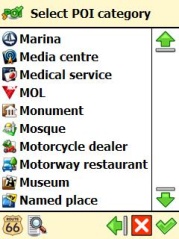
3. Select the downloaded POI group by clicking "POI alarm".


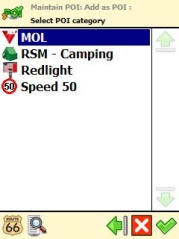
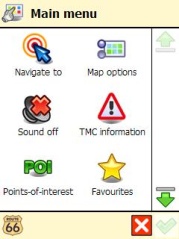
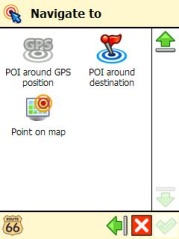
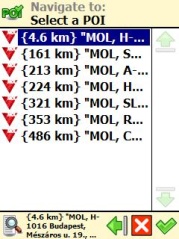
4. Launch the Route 66 application, click on the "Navigate to" icon and select either the "POI around destination" or the "POI around GPS position" menu item.


Note: The POI may be displayed as an inaccessible location if the map you are using is not sufficiently detailed.
facebook twitter rss
User:   Passw.:

New POI collections

Update - Serbia
CNG (7)
Update - Italy
Mobile Speedcams (17905)
Update - Austria
Fix Speedcam (1175)
Update - Luxembourg
Fix Speedcam (23)
New - Hungary
New Garden (6)
New - France
Table Football (Baby Foot) (128)
Update - United Kingdom
Fix Speedcam (4376)
New - Austria
Fiat Dealer & Service (155)
Update - Germany
Expert (67)
Update - Czech Republic
Naturist Beach (Nudaplaze) (123)
Update - Slovakia
Naturist Beach (13)
Update - Poland
Travel Agency (203)
Update - Poland
Neckermann (39)
Update - Hungary
Mobile Speedcams (913)
New - Switzerland
Travel Agency (2)