



Sygic
1. Unpack the file you have downloaded from POIplaza.
2. Copy .upi/.rupi and .bmp files directly /maps/import. Do not copy folders.
3. Launch Sygic GPS navigation.
4. A wizard for import of custom POI will open after launch.
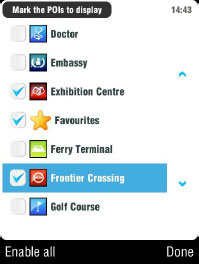
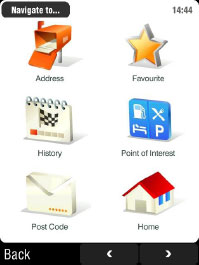
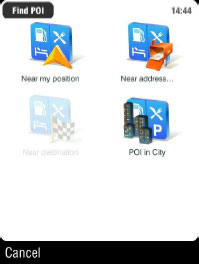
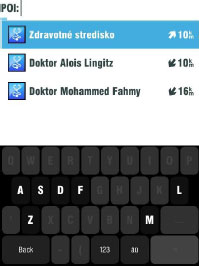
5. Uncheck the "Warn only if POI is on route" box, otherwise POI will not be visible when approaching.
6. If Sygic slows down because of the large number of POIs, decrease their number or simply download the required ones choosing Region: https://www.poiplaza.com/?p=rgn.
Note: The POI may be displayed as an inaccessible location if the map you are using is not sufficiently detailed.